
Adobe Dreamweaver
Adobe Dreamweaver is Adobe's web development application for Windows and macOS that combines a code editor with visual design and live preview.

Notepad++ is a free, open-source text and source code editor for Windows by Don Ho, based on the Scintilla editing component.
Average 0.0 · ratings: 0
Thank you! Your rating is saved; you can change it. Could not save the rating. Please try again later. Too many ratings from your network today. Please try again tomorrow. The average appears after 5 ratings.
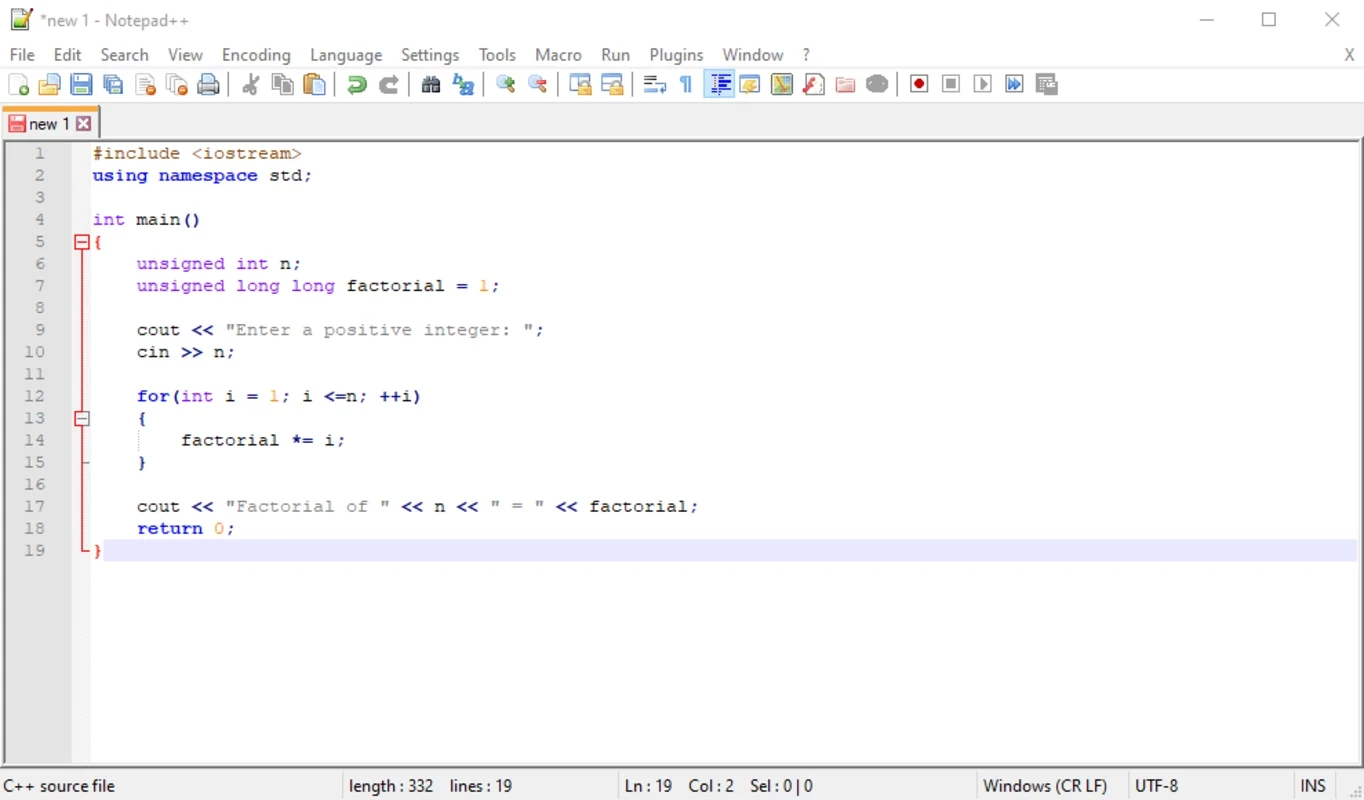
Notepad++ 8.9.8.1 for Windows is Don Ho's free and open-source text and source code editor, and you can download it from the official notepad-plus-plus.org website. It opens in a moment, handles plain text and program code equally well, and has been developed since November 2003.
| Program | Notepad++ |
|---|---|
| Version | 8.9.8.1 |
| Author | Don Ho |
| License | Open source, GNU General Public License (version 3.0 or later; earlier code under version 2.0 or later) |
| Written in | C++ and C |
| Editing component | Scintilla |
| Operating system | Windows |
| Architectures | x86, x86-64 and ARM64 (A64) |
| First release | 25 November 2003 |
| Size | about 6.63 MB according to catalogue data |
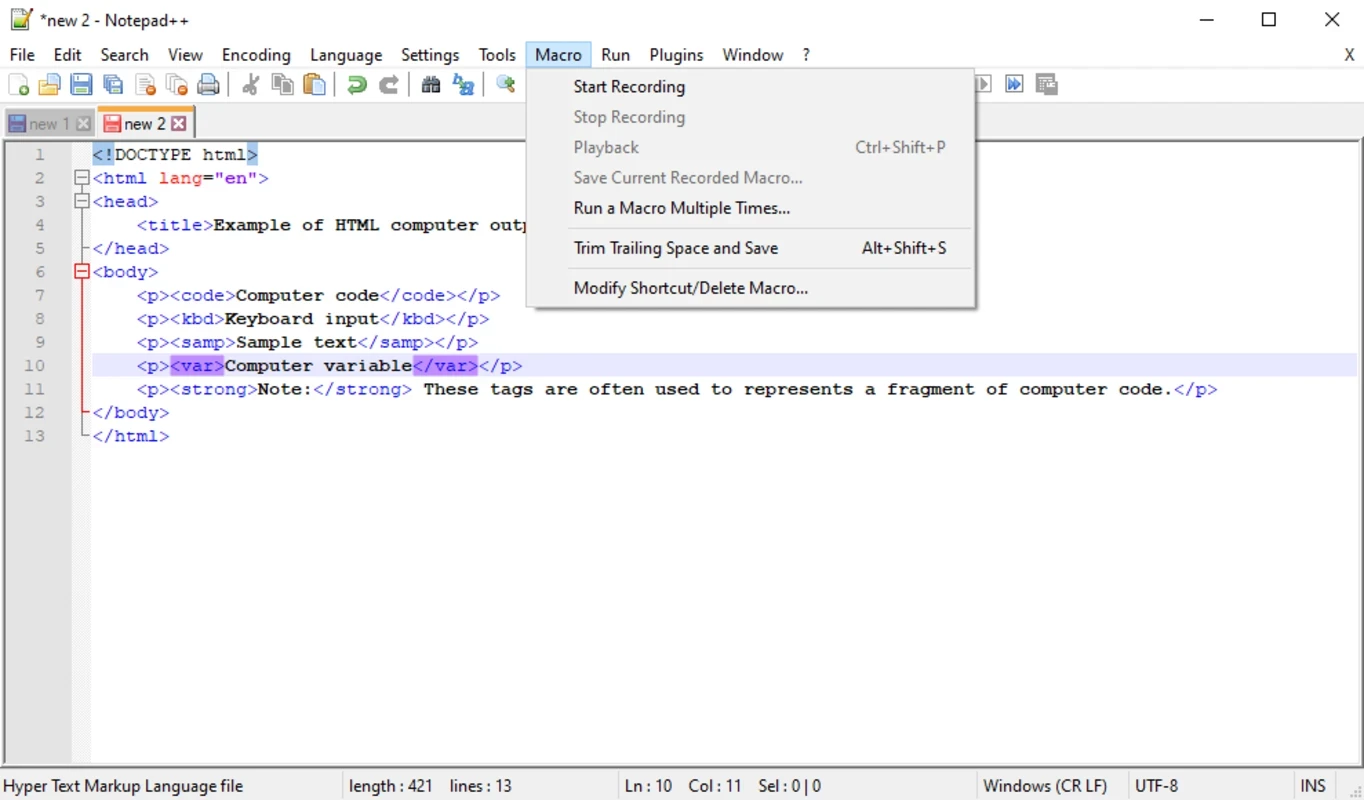
Notepad++ sits between Windows Notepad and a full development environment. For plain text it is simply a better Notepad: tabs for many files, reliable handling of different encodings and line endings, and a search that can look through a whole folder. For code, the Scintilla component gives it syntax highlighting and folding for a long list of languages, so a configuration file, an HTML page or a script is much easier to read. System administrators use it to edit config files and logs, web developers for quick fixes, students for their first programs, and writers for distraction-free notes. Because it starts almost instantly and uses little memory, many people keep it open all day as a scratchpad alongside heavier tools.
What changed in each release is described in the project news, for example the v8.9.8.1 release notes, and the source code is on GitHub.
Notepad++ runs on Windows and is light on hardware. The project does not publish a detailed hardware list; users in the official community forum discuss which builds work on older Windows versions.
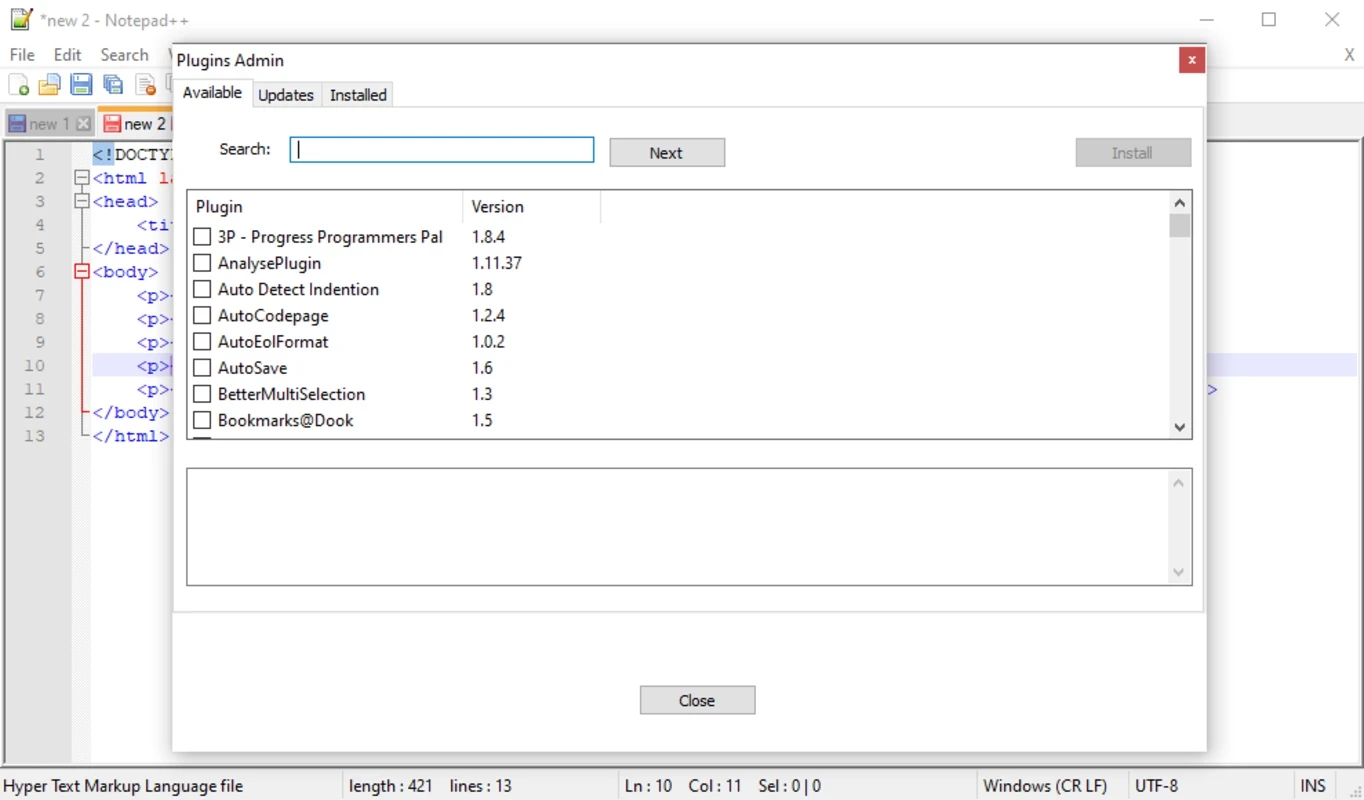
Download only from notepad-plus-plus.org or the GitHub repository. Fake "Notepad++" sites with similar names have been used to spread malware, so check the address before clicking Download. Plugins should also come from the built-in plugin admin rather than random archives.
Notepad++ is free for personal and commercial use under the GPL. The author accepts donations, but nothing is locked.
For web pages with a visual editor, Adobe Dreamweaver is in the same developer tools category, and Android Studio is the environment for building Android apps.
Adobe Dreamweaver is Adobe's web development application for Windows and macOS that combines a code editor with visual design and live preview.

XAMPP is a free, open-source web server solution stack from Apache Friends for running and testing websites on your own computer.

Arduino IDE is the free, open-source development environment for programming Arduino boards. Version 2.3.10 is the current Windows release.

Android Studio is Google's free integrated development environment for building Android apps. This page covers version 2026.1.4.8 Quail 4 Patch 1 for Windows.

PSeInt is free, open-source educational software by Pablo Novara that helps beginners learn programming logic by writing and running pseudocode.